 Digital Front Desk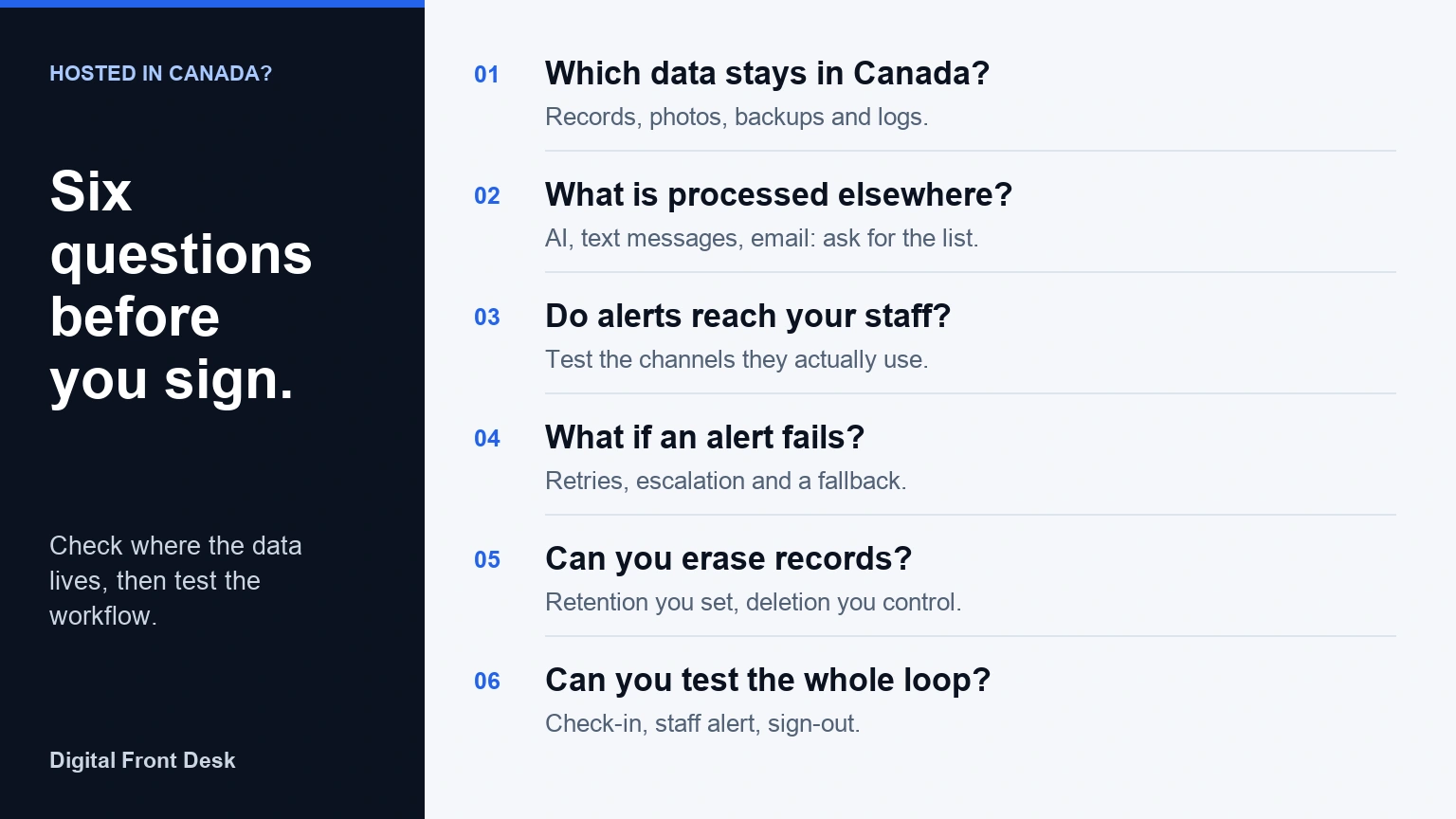
"Hosted in Canada" is a good start, but it answers only half the question. The other half is whether the software does its job at your front desk: a visitor signs in, the right person finds out, and the record is handled the way you decided. You can check both before you sign.
The six questions below are written for small offices, clinics and nonprofits comparing visitor and staff sign-in tools. Each one says why it matters, what to ask or test, and how Digital Front Desk answers it, so you have one worked example to compare against.
1. Which data is stored in Canada?
Why it matters. A hosting claim often describes the main database and nothing else. Visitor photos, ID images, backups and logs can live in different places, and backups in particular tend to outlast the records they copy.
Ask: "Where are visitor records, uploaded photos, backups and logs stored, and in which region?" Ask for the answer in writing, not on a sales call.
How Digital Front Desk handles it. The application, its database and its backups run on Microsoft Azure in the Canada Central region, and uploaded files, including visitor photos, are kept in Azure storage in Canada. Our privacy policy describes this in full.
2. Does any feature process data outside Canada?
Why it matters. Where data is stored and where it is processed are two different questions. Text messages, email and AI features are often provided by other companies, and those companies may process data in another country even when the main database stays here. Some vendors also offer a Canadian environment with limits, such as integrations that are not available there, which is one more reason to test the configuration you would actually use.
Ask: "Can I see your current sub-processor list, with what each one receives and where it processes it?" A supplier that has one can send it the same day.
How Digital Front Desk handles it. We publish a sub-processor list. In short: data is stored in Canada and processed in Canada and the United States. AI features are processed in Microsoft's US data zone through Azure OpenAI. Text messages, including visitor arrival texts, are sent through Twilio in the United States. Notification email goes through Zoho Mail in Canada. The kiosk's spoken prompts use Azure Speech in Canada; its optional animated presenter, where switched on, runs in the United States.
3. Do arrival alerts work with the channels your staff actually use?
Why it matters. A check-in screen is only useful if the person being visited finds out. If your staff live on their phones and the alert goes to an inbox nobody watches at the door, visitors wait.
Test: Check in as a pretend visitor for a real colleague, on their real phone, and time how long the alert takes to reach them. Then check what the message says: does it reveal more about the visitor than the recipient needs?
How Digital Front Desk handles it. Staff can be alerted by email, by text message, or both, set per person. The message gives the visitor's name and a link to take the visit; one setting removes the name, so it simply says a visitor has arrived. Why they came is never included. Staff also sign themselves in and out from their own phones, so reception can see who is in the building.
4. What happens when an alert fails?
Why it matters. Email servers go down, phone numbers change and people leave their phones in a drawer. The question is not whether an alert will ever fail, but what the system does next.
Ask: "If a send fails, is it retried, and for how long? If the host doesn't respond, does anyone else find out?" Then test it: check in for a colleague who is not answering, and watch what happens.
How Digital Front Desk handles it. Each arrival alert is saved before it is sent and delivered by a job that runs every minute. A failed send is retried, up to eight failures, after which it stops and is recorded for our team to see. Separately, you can choose to tell the team if nobody has taken a visitor after a set number of minutes: the message goes to the staff you have marked as fallback contacts, or to every administrator if nobody is marked, and the reception screen shows that it went. If a visitor asks for someone who is not signed in, the fallback contacts are told straight away as well as the host.
5. How long are visitor records kept, and can you erase them yourself?
Why it matters. A visitor log you keep forever is information you are responsible for forever. You should decide the retention period, not inherit a default, and you should be able to delete a record without filing a support ticket.
Ask: "Can I set how long visitor details are kept? Can I erase one visit myself, and what exactly is removed?" Ask, too, how long deleted data stays in backups.
How Digital Front Desk handles it. Under the kiosk's privacy settings you choose what happens to what a visitor typed: keep it, clear it after a set number of days, or clear it as soon as the visit is over. Photos and ID images have their own setting. On the visitor log, Erase clears a visit's details for good, and the visitor's name and photo too when it was their last visit. Deleted data can stay in an encrypted backup for a period before it is overwritten; the privacy policy says so plainly.
6. Can you test the full loop before you buy?
Why it matters. A demonstration shows the best path. Your front desk has its own: a shared tablet, a doorway with poor Wi-Fi, staff who never check email. The only reliable test is the whole loop in your own space: check-in, staff alert, sign-out.
Test: Set it up on your own tablet for a week. Check in, confirm the alert reaches the host, take the visitor, then sign them out and look at the record that remains.
How Digital Front Desk handles it. You can try the check-in screen on your own phone without an account; it saves nothing and sends no alerts. To test the full loop with real alerts, create a free account. No card is required, and the visitor check-in is switched on from the start.
A note on compliance
Hosting location on its own does not make you compliant with PIPEDA, PHIPA or any other privacy law. What you collect, why, who can see it and how long you keep it matter just as much. For regulated settings, get qualified advice about the obligations that apply to you.
Next step
See how check-in, staff alerts and sign-out fit together on our visitor management page, or try it free and run the six tests yourself. For the privacy side of the same decision, read Visitor Data in Canada: Five Questions to Ask Before Choosing Check-In Software.
Questions about Canadian-hosted sign-in software
Is visitor data in Digital Front Desk stored in Canada?
Yes. The application, database, backups and uploaded files are stored on Microsoft Azure in Canada Central. Some features process data in the United States, such as AI features and text messages; the sub-processor list names each one.
Does Canadian hosting make visitor sign-in software PIPEDA compliant?
No. Hosting location is one fact among many. Compliance depends on what your organisation collects, why, who can access it and how long it is kept, so review the whole workflow and get advice where the stakes are high.
What should we test during a visitor management software trial?
Test the full loop with a real colleague: a visitor checks in, the host is alerted on the channel they actually use, someone takes the visitor, and the visit is signed out. Then check what the record keeps and whether you can erase it.
This article provides general buying guidance, not legal advice. Product details describe Digital Front Desk as of the publication date; the linked privacy policy and sub-processor list are the current statements.