Free templates · Industrial sites
Free template · no sign-up
Contractor sign-in sheet
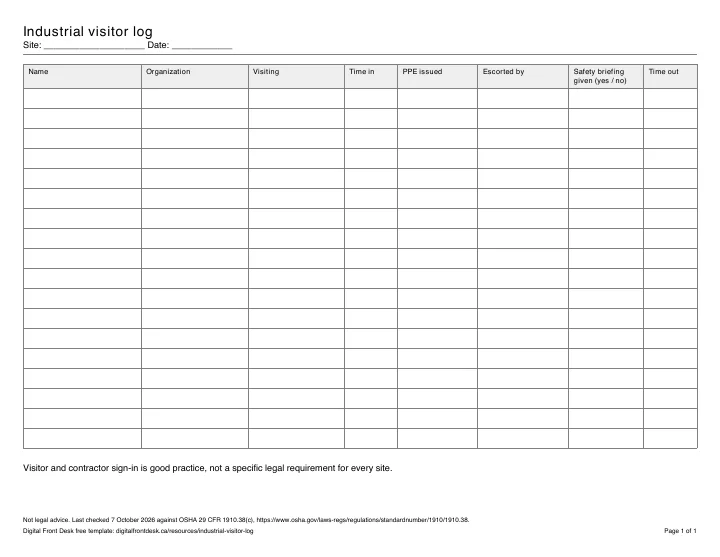
A one-page sheet for the gate or front office: who came in to work, for which company, where, and whether they acknowledged the site rules and PPE before starting.
For Plants and warehouses with contractors on site
Not legal advice. Last checked 7 October 2026 against OSHA 29 CFR 1910.38(c).
What it is for
Contractors are often the people a site knows least about: they arrive in small crews, move between work areas and leave at different times. This sheet records who signed in and when they signed out, who they are working for, and that they were told the site rules. Visitor and contractor sign-in is good practice; it is not a specific legal requirement we can point to for every site.
Who it is for
Single-site manufacturing plants, warehouses and distribution centres: the receptionist, gatehouse or shipping office that meets contractors, and the safety lead who sets the site rules.
How to use it
Keep the sheet where contractors arrive: each contractor fills in one row on the way in and adds the time out when leaving.
- Keep the sheet where contractors arrive, with a pen and a copy of your site rules.
- Each contractor signs in on their own row, and initials that site rules and PPE were explained.
- The host who meets them initials the row; the contractor fills in the time out when leaving.
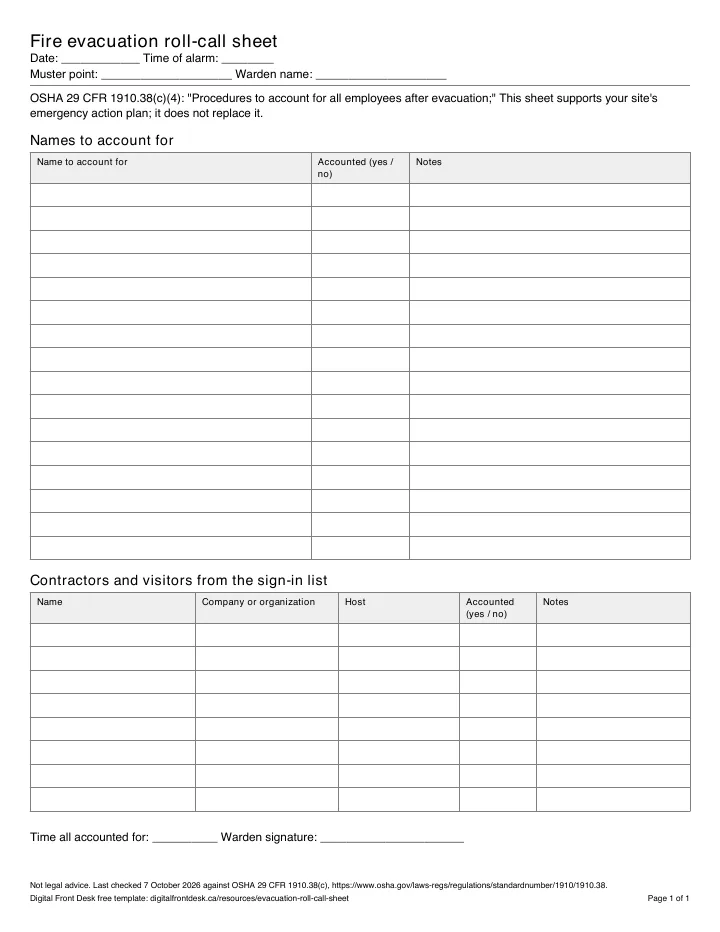
- In an evacuation, take the current sheet to the muster point so people still signed in can be accounted for.
What should a contractor sign-in sheet include?
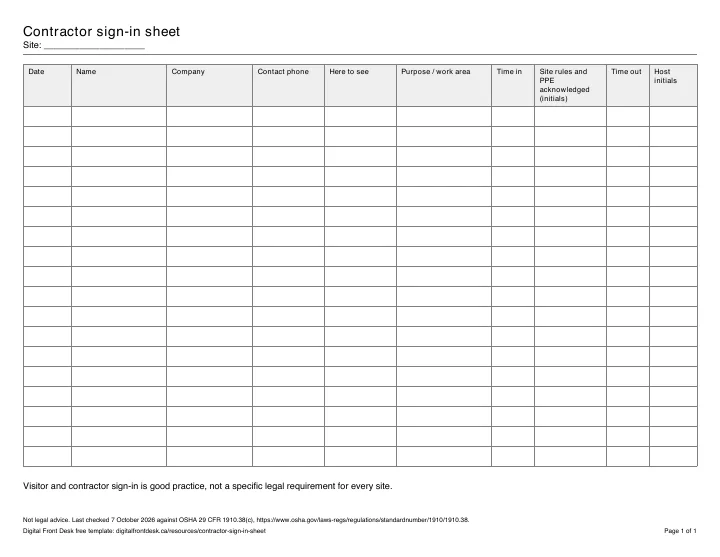
A contractor sign-in sheet should record who came, for which company, who they are here to see, where they are working, when they arrived and left, and that the site rules and PPE were explained. The site rules and PPE column is what sets it apart from a visitor sign-in sheet: the contractor initials it before starting work. This template has ten columns, the same in the Word, Excel and PDF versions.
The columns
- Date
- Name
- Company
- Contact phone
- Here to see: the host or department
- Purpose / work area
- Time in
- Site rules and PPE acknowledged: the contractor's initials
- Time out
- Host initials
Contractor sign-in book or app?
A paper sign-in book costs nothing and works without power or Wi-Fi, and for a site with a few contractors a week it may be all you need. Its weaknesses show up on busy days: handwriting nobody can read, sign-outs that never happen because people leave by another door, and a book that is still on the desk inside the building during a drill.
A contractor sign-in app or system keeps the same record on a screen. Digital Front Desk signs contractors in on a tablet at the gate, gives the front office a live list of who has signed in and who has signed out, can ask them to acknowledge your site rules, and lets staff download the answers with the visitor log. It knows who signed in, not who is still on the floor, so the roll call stays a warden's job. How it works at a plant or warehouse.
Whichever you choose, keep a printed sheet for the day the power or the network is down: the tablet needs both.
Printable preview
Contractor sign-in sheet Site: ____________________
| Date | Name | Company | Contact phone | Here to see | Purpose / work area | Time in | Site rules and PPE acknowledged (initials) | Time out | Host initials |
|---|---|---|---|---|---|---|---|---|---|
Moving off paper? See how the Digital Front Desk visitor management system signs visitors in on your own tablet, with its prices in Canadian dollars.