A visitor management system signs visitors in at the door, tells the person they came to see and keeps a record. The best one for a small office or clinic is the one that fits its door: its visitors, its tablet, its budget and where records may be kept.
Key takeaways
- As of November 2026, Envoy, Sign In App, The Receptionist and Greetly each list badge printing on at least one plan; Digital Front Desk does not print badges.
- Published starting prices are in different currencies, so convert them and add hardware before you compare.
- Envoy's integrations, including access control and directory sync, are a strength that small-office products do not match.
- Digital Front Desk runs in any tablet's browser and stores records in Canada; texts, calls and some AI are processed in the United States.
- Trial the whole loop: sign in, check the host is told, sign out and find the record.
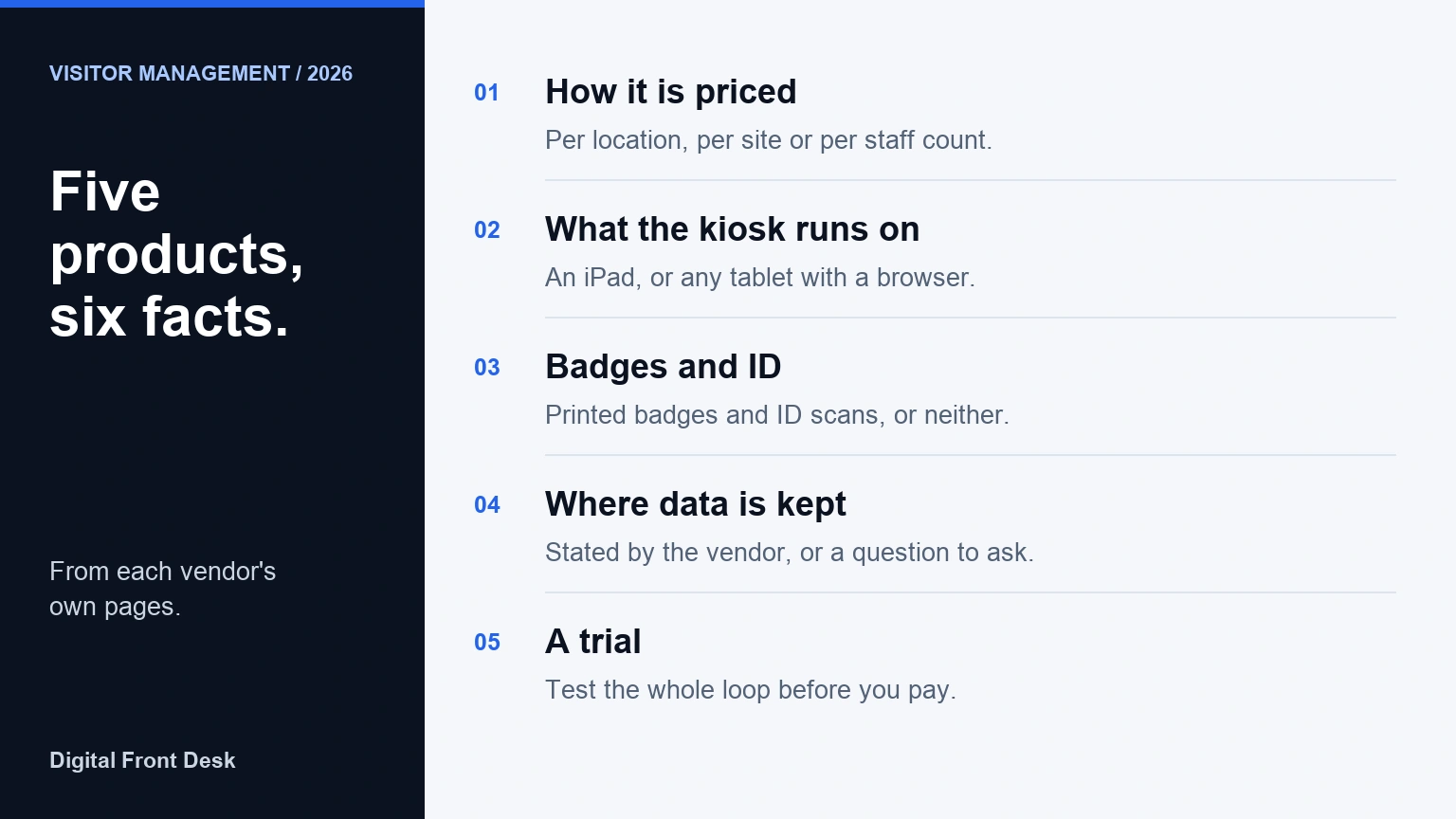
There is no single best visitor management software. There is a best fit for your door: how many visitors you get, whether someone is always at reception, which tablet you own, and where your visitor records may be kept. This guide compares five products a small office or clinic is likely to shortlist, using only facts each vendor publishes about itself.
We make one of them, Digital Front Desk, so read our row with that in mind. We have tried to say plainly where the others are stronger, and every fact about another company is dated, because prices and plans change.
The shortlist, and how we chose it
We looked for products that a single office, clinic or small multi-site business can buy without a sales project, that publish at least some of their pricing, and that run a sign-in screen at the front door. That gave five:
- Envoy Visitors, a widely used visitor product with a free entry plan and a large integrations catalogue.
- Sign In App, priced per site per year, with an iPad hardware bundle.
- The Receptionist, an iPad-based product priced per site per year.
- Greetly, with two published plans billed yearly.
- Digital Front Desk, ours: a check-in screen in a tablet's web browser, with records stored in Canada.
Enterprise platforms that only quote prices on request were left out. They can be the right answer for a large company, but a small office cannot compare them from their websites.
Comparison table, as of November 2026
Each fact below was read on the vendor's own website in November 2026. "Not stated" means we could not find it on the pages we read, not that the product lacks it; ask the vendor.
| Product | How it is priced | Starting price | Kiosk device | Badge printing | ID scanning | Data hosting | Free trial |
|---|---|---|---|---|---|---|---|
| Envoy Visitors | Per location a month, billed annually | Free Basic plan (100 entries a month, up to 50 employees); Premium US$362 per location a month | iPad; QR-code sign-in on Premium | Premium and Enterprise | Enterprise plan | Offers EU data centres; other regions not stated on the pages we read | Free Basic plan; no trial length stated |
| Sign In App | Per site a year | £415 per site a year (Core), shown in pounds | iPad (in its hardware bundle) | Optional printer in its hardware bundle | Enhanced and Pro plans | Not stated on its pricing page | 15 days, no card |
| The Receptionist | Per site a year | $630 per site a year (Core); currency not named | iPad | From Core | Enhanced and Pro plans | Not stated on its pricing page | 15 days |
| Greetly | A month, billed yearly; per-location basis not stated | $99 a month (Essential); currency not named | Not named on its pricing page | Pro plan | Pro plan, including US driver's licence scanning | Not stated on its pricing page | Not stated; offers a demo |
| Digital Front Desk | A month, by number of staff, not per tablet or entrance | $69 CAD a month, up to 20 staff ($55 a month billed yearly) | An iPad or any tablet with a web browser | No; a badge number on screen | No ID verification | Stored in Canada; texts, calls and some AI processed in the United States | A demo check-in screen with no sign-up |
Currencies differ, so the starting prices are not directly comparable: one is in US dollars, one in pounds, two use "$" without naming a currency, and ours is in Canadian dollars. Convert at the day's rate and add hardware before you compare.
What each product is good at
Envoy Visitors
As of November 2026, Envoy's pricing page lists a free Basic plan and a Premium plan at US$362 per location a month, billed annually, with Enterprise priced on request. Its strengths are breadth: printed name badges on Premium, ID scanning on Enterprise, and an integrations directory of "over 100" workplace tools, including Microsoft Teams, Okta (listed under Directory and SSO) and several access-control systems. If you need visitors to sign in and a door to open, or staff directories synced from your identity provider, Envoy does things a small-office product does not. Envoy has announced EU data centres for Visitors; we did not find a Canadian region on its pages.
Sign In App
As of November 2026, Sign In App lists Core at £415, Enhanced at £835 and Pro at £1,255 per site a year, with a 15-day trial that needs no card. It sells a hardware bundle with an iPad, an enclosure and an optional badge printer, which helps an office that wants one order to arrive ready. ID scanning is on the Enhanced and Pro plans. Its pricing page shows pounds by default, so a Canadian buyer should ask for a quote in their own currency.
The Receptionist
As of November 2026, The Receptionist lists Core at $630, Enhanced at $1,260 and Pro at $1,890 per site a year, offers 15 days free and describes itself as iPad-based. Badge printing is included from Core, and its home page cites "4,000+ integrations through Zapier". In January 2026 Sign In Solutions, which also owns Sign In App, announced it had acquired The Receptionist, so the two now share a parent company. As of November 2026, The Receptionist's own site describes it as now part of the Sign In App family.
Greetly
As of November 2026, Greetly lists Essential at $99 a month and Pro at $159 a month, both billed yearly. Badge printing and government ID verification, including US driver's licence scanning, are on Pro. Its pricing page does not name a currency, a per-location basis or a trial, so ask for those in writing.
Digital Front Desk
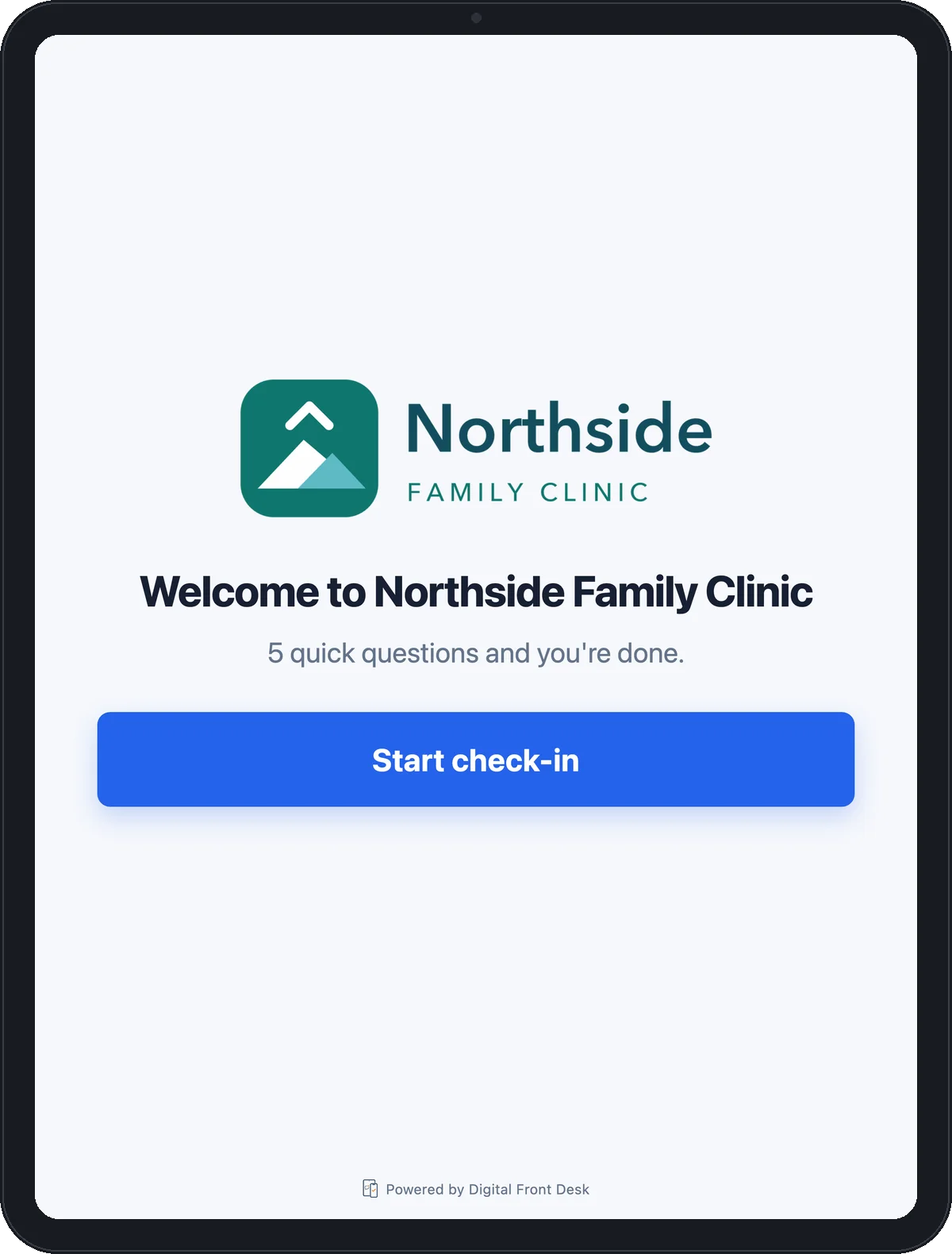
Ours runs the check-in screen in a tablet's web browser, so an iPad or any other tablet with a browser that you already own will do. Visitors answer one question at a time, the person they came to see is told by text or email, and the last screen shows a badge number but no name. Records are stored in Canada; text messages, calls and some AI processing happen in the United States, as our privacy policy and subprocessor list set out. Plans are priced by how many staff you have, not per tablet or entrance. Connections to other systems are signed webhooks and a Zapier API key, described on our developer page; there is no Slack or Microsoft Teams alert.
Where the others are stronger than us
If any of these is a requirement, Digital Front Desk is not your product, and it is better to know now:
- Printed badges. We do not print badges. Envoy, Sign In App, The Receptionist and Greetly all offer badge printing on at least one plan.
- ID scanning. We do not verify identity documents. Envoy, Sign In App, The Receptionist and Greetly each list ID scanning on a higher plan.
- Enterprise integrations. Envoy's catalogue includes access control, single sign-on and directory sync. We offer webhooks and Zapier, not a door system or a directory sync.
- Chat-app alerts. Hosts hear from us by text or email only. Envoy lists a Microsoft Teams integration.
- Many locations at scale. Products built per location, with central administration across regions, suit a company with dozens of sites better than we do.
Where Digital Front Desk fits
- Records stored in Canada. If you have been asked where visitor data lives, our answer is written down: stored in Canada, with named processing in the United States. Ask any vendor for the same in writing.
- The tablet you have. No app to install and no bundle to buy: the check-in page opens in the browser of an iPad or any tablet.
- A price in Canadian dollars that does not rise with each extra entrance, because it is set by staff count.
- Privacy at the door. No names on the last screen, and photographs and ID off unless you switch them on, which suits clinics and therapy practices.
You can use the check-in screen yourself without signing up, then read the visitor management page for plans and setup.
How to choose visitor management software
- Write down what must happen at the door. Usually: the visitor signs in, the right person is told, and there is a record. Anything beyond that, such as badges, ID checks or door access, should be a named need, not a nice-to-have.
- Count your sites and entrances. Per-location pricing is fair for one door and adds up for five. Price your real layout, not the first plan.
- Price the hardware. An iPad-only product needs an iPad; a badge printer needs labels. Our guide to what a visitor management system costs lists the parts of the bill.
- Ask where data is stored and processed, including text messages and any AI features, and get the answer in the privacy policy, not a sales email. In Quebec, a transfer outside the province needs a privacy impact assessment first.
- Check the defaults. Are photos and ID scans on or off out of the box? Can you set how long records are kept?
- Trial the whole loop. Sign in as a visitor, check that the host is told on their own phone, then sign out and find the record.
To put the same questions to two vendors side by side, print the free visitor management buyer's checklist. If you are weighing Envoy or Sign In App specifically, see Envoy and Sign In App alternatives.
Questions about choosing visitor management software
What visitor management software is best for a company that needs Canadian data hosting?
Choose one that says in its privacy policy where records are stored and which work happens elsewhere. Digital Front Desk stores records in Canada and processes texts, calls and some AI in the United States; ask every other vendor for the same detail in writing.
How much is a visitor management system?
As of November 2026, published prices run from free plans with tight limits to several hundred US dollars per location a month, plus a tablet and stand if you lack them. The table above lists each vendor's starting price with its currency.
Which visitor management software prints badges?
Envoy, Sign In App, The Receptionist and Greetly each list badge printing on at least one plan as of November 2026. Digital Front Desk does not print badges; it shows a badge number on the screen instead.
Can a clinic use a visitor check-in kiosk on its own tablet?
Yes, if the product runs in a web browser or supports your tablet. Several products listed here are built for the iPad; Digital Front Desk runs in the browser of an iPad or any other tablet, with no app to install.
Is guest management software the same as visitor management software?
Mostly, yes. Both phrases describe signing in people who arrive at your building and telling their host; "guest" is more common in hospitality and events, where the products may also handle invitations and seating.
Do I need ID scanning for a small office?
Usually not. ID scans add personal information you then have to protect and delete. They make sense for regulated sites or where you must confirm who entered; for most small offices a name and a host are enough.
Try it before you decide
Whatever you choose, test the whole loop first. You can try our check-in screen on any device with no sign-up, or read the visitor management page for plans in Canadian dollars.
Sources, read November 2026: Envoy pricing, Envoy integrations, Envoy EU data residency, Sign In App pricing, Sign In Solutions announcement, The Receptionist pricing, The Receptionist home page, Greetly pricing.
Other vendors' facts are as published on their own websites in November 2026 and may have changed since; check each vendor's current page before you buy. Product names belong to their owners, and no vendor reviewed or endorsed this comparison. This is general guidance, not legal advice.