A visitor management system for one small office usually costs from nothing, on a free plan with tight limits, to a few hundred dollars a month per location, plus a tablet and stand if you do not own them. Badge printers, ID scanning and extra sites add to it.
Key takeaways
- Vendors charge per location, per host, per kiosk or per company, so compare the price for your own setup, not the headline figure.
- Of five vendors' pricing pages read in November 2026, four print a price and one quotes on request.
- The hardware is often a one-time cost: a tablet and stand, and a badge printer only if you print badges.
- A paper sheet costs almost nothing to buy; its cost is the front desk's time and the names it shows to every visitor.
- Digital Front Desk is priced by staff count in Canadian dollars, with unlimited visitors, and runs on a tablet you already own.
The price of a visitor management system depends less on the software than on how the vendor counts: per location, per host, per kiosk or per company. This guide shows what the price is made of, what five vendors' own pricing pages show as of November 2026, the costs those pages leave out, and what a paper sign-in sheet really costs.
It is written for small offices, clinics and shared reception desks, many of them in Canada. Digital Front Desk is one of the vendors, so we show our prices beside the others and say where another product fits better.
The short answer
A visitor management system for one small office usually costs from nothing, on a free plan with tight limits, to a few hundred dollars a month per location, plus a tablet and stand if you do not own them. Badge printers, ID scanning and extra sites add to it.
For a single reception desk, most of the cost is a monthly or yearly software subscription. On top of it come a one-time hardware cost, which is small or nothing if you already have a tablet, and the add-ons you choose. Enterprise platforms for many buildings are usually quoted on request rather than listed.
The headline price on a pricing page is rarely the number you pay. What you pay depends on how the vendor counts: per location, per host, per kiosk or per company. The same office can cost very different amounts under each.
How visitor management software is priced
Vendors count different things. Before comparing two prices, check what each one is a price of.
| Model | What you pay for | Watch out for |
|---|---|---|
| Per location | Each building or entrance with its own sign-in. The most common model. | A second entrance or a satellite office can double the bill. |
| Per host or employee | The number of staff visitors can ask for, or a cap on them. | Hiring pushes you into the next tier. |
| Per kiosk or device | Each tablet running the sign-in screen. | A second tablet for a busy morning costs extra. |
| Per visit or entry | Usually a limit on a free plan, such as a number of sign-ins a month. | A busy month ends the free plan. |
| Per company | One price for the organisation, often in bands by staff count. | Check what happens when you add a building. |
Two more choices change the number: paying monthly or for the year up front, which is usually cheaper per month, and the currency. Many vendors price in US dollars or pounds, so a Canadian buyer pays the exchange rate and any card fees on top.
What vendors list on their own pricing pages
Few vendors print every price. The figures below were read on each vendor's own pricing page on 10 November 2026 and are shown in the currency that page used. Where a page shows "$" without saying which dollar, we say so.
| Vendor and plan | Listed price | Source |
|---|---|---|
| Envoy Visitors, Basic | Free: 1 location, 100 entries a month, up to 50 employees | Envoy pricing |
| Envoy Visitors, Premium | US$362 per location a month, billed annually | Envoy pricing |
| Sign In App, Core | £415 per site a year (shown in pounds) | Sign In App pricing |
| Sign In App, Enhanced and Pro | £835 and £1,255 per site a year | Sign In App pricing |
| Greetly, Essential and Pro | $99 and $159 a month, billed yearly (currency not stated) | Greetly pricing |
| FacilityOS VisitorOS, Corporate and Enhanced | Starting at $225 and $299 a month (currency not stated) | FacilityOS pricing |
| Eptura Visitor | No price listed; quoted after a demo, priced by location | Eptura pricing |
| Digital Front Desk, Starter | $69 CAD a month, up to 20 staff ($55 a month billed yearly) | Our visitor page |
| Digital Front Desk, Practice | $120 CAD a month, up to 50 staff ($96 a month billed yearly) | Our visitor page |
| Digital Front Desk, Campus | $399 CAD a month, up to 500 staff ($319 a month billed yearly) | Our visitor page |
As of November 2026, the address iLobby used for its pricing page redirects to the FacilityOS page above. Each vendor's plans include different features, so a lower price is not always the same product for less; the visitor management buyer's checklist puts the same questions to each one.
Hardware: tablets, stands and badge printers
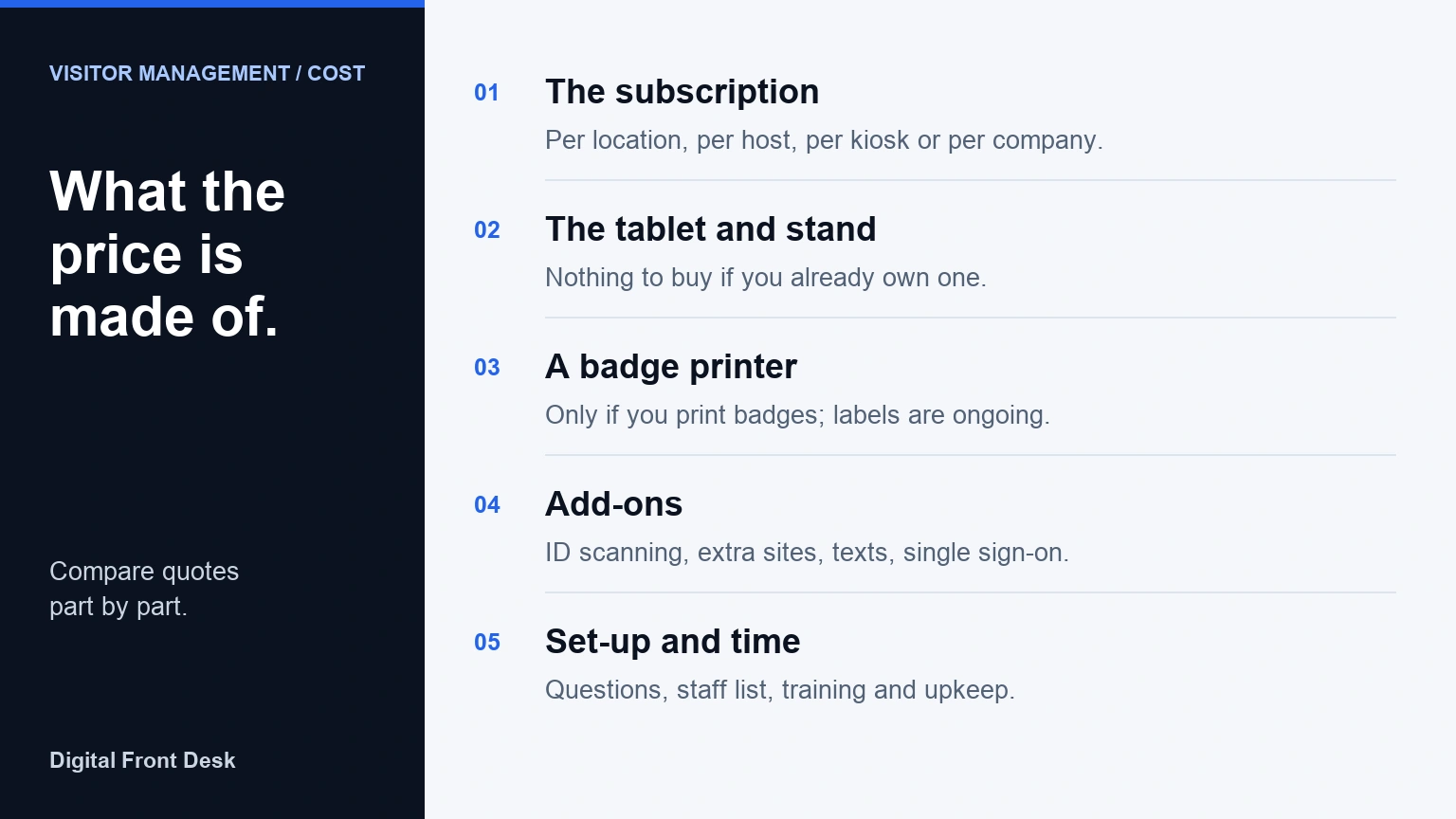
Most small-office systems run on a tablet at the entrance. Hardware is usually a one-time cost, and some of it is optional.
- A tablet. A base iPad with Wi-Fi is listed from CA$649 on Apple Canada. Some systems need an iPad; others run in any tablet's web browser, so a spare Android tablet or an older iPad may do.
- A stand or enclosure. It keeps the tablet at the door and stops it walking off. Some vendors sell their own; Sign In App, for example, lists a floor-standing enclosure upgrade at £100 and delivery at £14.95 per location.
- A badge printer, labels and holders. Only if you print visitor badges. Envoy's pricing page recommends one, and Sign In App's hardware package includes one, but neither page prints the printer's price on its own. Labels are an ongoing cost.
- ID scanners, door integration, room panels. Enterprise features with their own hardware, which a single clinic or office rarely needs.
Envoy's pricing page says hardware is typically ordered for each location. If you have two entrances, plan for two sets.
The costs that are not on the pricing page
- Add-ons. ID scanning, single sign-on, extra sites and desk booking are often in a higher tier or sold separately. Envoy's Enterprise plan, for example, includes 500 ID scans a year, with add-ons for more.
- Text messages. If hosts are told by text, check whether texts are included or limited. Sign In App lists unlimited SMS on its Pro plan and does not state a limit for the others.
- Annual commitment. A yearly price is lower per month but is paid up front, and is hard to get back if the system does not fit.
- Exchange rate and tax. A price in US dollars or pounds moves with the exchange rate, and sales tax is added on top of every price on this page.
- Set-up and upkeep. Someone writes the questions, loads the staff list, trains reception and keeps the list current as people join and leave.
- Privacy work. A sign-in record is personal information. Deciding what to collect and how long to keep it takes time, and in Quebec sending it outside the province calls for a privacy impact assessment first. Our guide to visitor management systems lists what to check.
What a paper sign-in sheet really costs
A paper sheet and a clipboard cost almost nothing to buy, and for an office with a few expected visitors a week, paper may be the right answer. Its costs are elsewhere.
- Front-desk time. Reading handwriting, finding the host, and filing and later shredding the sheets. As an illustration only: if that takes reception 15 minutes a day, it is about 5.5 hours over a 22-day month, or about $115 at the median receptionist wage in Canada of $21.00 an hour, before payroll costs (Job Bank, wages updated 19 November 2025). Your own figure may be far lower or higher.
- Privacy. Every visitor can read the names written above theirs, which a clinic in particular may not want.
- Nobody is told. A sheet does not tell the host that someone is waiting.
- No count you can trust. People forget to sign out, so on the day of a fire drill the sheet is a list of who came in, not who is still inside.
If you are staying on paper, our free visitor sign-in sheet collects only what a front desk needs.
Working out your first-year cost
A simple budget for one office is:
- Software for twelve months, for your number of locations, hosts or kiosks, at the monthly or yearly price.
- Hardware you do not already own: a tablet and a stand, and a badge printer only if you will print badges.
- Add-ons you will really use, priced for a full year.
- Exchange and tax, if the price is not in your currency.
For example, from the listed prices above: Envoy's Premium plan for one location is US$4,344 for the year; Sign In App's Core plan for one site is £415 for the year; Greetly's Essential plan is $1,188 for the year. Each before hardware and tax, and each for a different set of features.
On Digital Front Desk, paid yearly, that is $660 CAD for Starter, $1152 CAD for Practice and $3828 CAD for Campus, with no hardware to buy if you already have a tablet.
Where Digital Front Desk sits
Digital Front Desk is priced per month, in Canadian dollars, by how many staff you have, and visitors are unlimited on every plan, so a busy day does not cost more. Paying for the year makes every plan 20% less. Taxes are extra.
- Starter: $69 CAD a month, or $55 a month billed yearly, for up to 20 staff. A single reception desk.
- Practice: $120 CAD a month, or $96 a month billed yearly, for up to 50 staff. A clinic, firm or office with a full team.
- Campus: $399 CAD a month, or $319 a month billed yearly, for up to 500 staff. A care home, campus or multi-building site.
Arrival alerts to the host by text or email are in every plan. The Campus plan puts more than one building on one bill and includes assisted setup at each location, so a second building is not a second subscription.
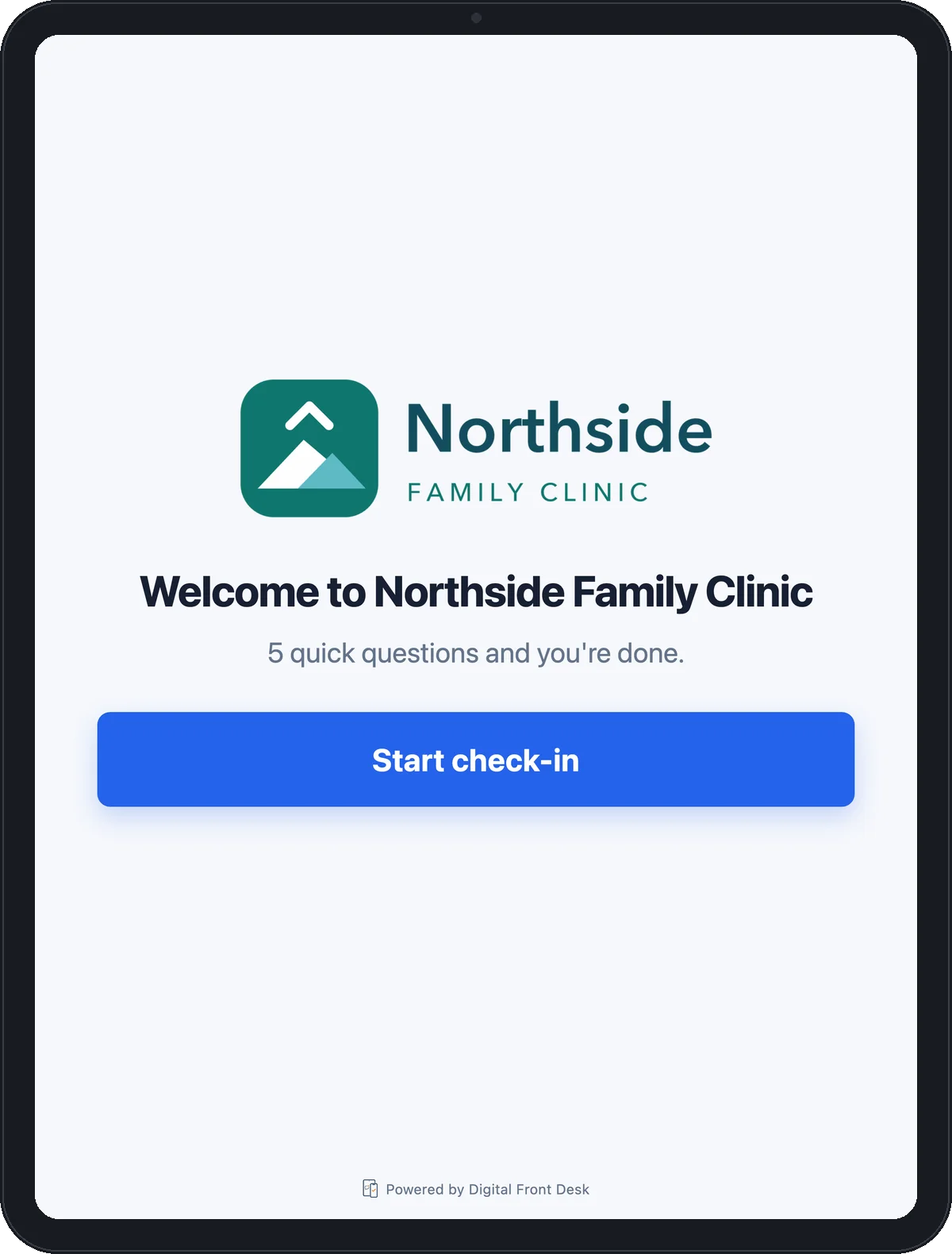
There is no hardware contract. The check-in screen is a web page, so it runs on a tablet you already own. It does not print badges: the visitor gets a badge number on screen instead. If you need printed badges, ID scanning or door integration, an enterprise platform from the table above will fit better.
Where the data is. Records are stored in Canada. Some processing happens in the United States, including text messages, calls, some voice rendering and AI features. Both are set out in our privacy policy (section 4) and list of subprocessors.
See what each Digital Front Desk plan includes, or try the check-in screen without signing up.
Questions about visitor management system cost
How much is a visitor management system?
For one small office, from free on a limited plan to a few hundred dollars per location a month, plus a tablet and stand if you lack them. Enterprise platforms for many buildings are usually quoted on request.
Is there a free visitor management system?
Some vendors have a free plan with limits. As of November 2026, Envoy's free Visitors plan covers one location, 100 entries a month and up to 50 employees, according to its pricing page.
Why is visitor management software priced per location?
Each location usually has its own entrance, tablet, questions and hosts, so vendors count it as one setup. Check how a vendor counts a second entrance in the same building before you compare prices.
Do I need a badge printer?
Only if you want printed visitor badges. Many small offices do without one; a printer adds a one-time cost, ongoing labels, and another device to keep working at the front desk.
What currency are visitor management prices in?
Often US dollars or pounds, and some pages show "$" without saying which. A Canadian buyer should check the currency, the exchange rate and whether tax is included before comparing two prices.
Is a paper sign-in sheet cheaper than software?
To buy, yes. But paper costs front-desk time, shows earlier visitors' names to everyone, tells no host and gives no reliable count, so for a busy desk the software can cost less overall.
Compare before you pay
Print the buyer's checklist and put the same questions to each vendor. To see our side of it, try the check-in screen or read the visitor management page for plans and setup.
Other vendors' prices were read on their own pricing pages on 10 November 2026 and may have changed since. This is general guidance for choosing software, not legal or financial advice.